Canva Video vs Hiring an Animator: Which Fits Your Business?
You already pay for Canva, or you've thought about it. It makes your flyers and your Facebook posts, so making your business video in it feels like the obvious next step. Then you open a video template and wonder if the result will look like you, or like everyone else using the same template.
That's the real question behind Canva video vs hiring an animator. It isn't about which is better. It's about which job each one should do for you.
Use Canva for quick, short-lived videos you post often, like offers, notices and social clips. Hire an animator for the one video that explains your business and runs for years on your homepage and in your ads. Most small businesses end up doing both: Canva every week, a professional explainer once.
Below you'll find real 2026 prices for four ways to get a video made, the parts of Canva's licence that matter, and a 30-second script you can paste into Canva today.
Key takeaways
- Canva Pro costs US$144 a year in the US for one person, but your own hours are the bigger cost.
- Canva is the right tool for weekly social clips, holiday hours, sales and quick tests.
- Hire out the video that explains what you do, because it gets watched for years.
- Freelance animators often quote the animation only, so check who writes the script and records the voice.
- Never build your logo from Canva elements. The licence doesn't allow it.
Canva video vs hiring an animator: what are you really choosing?
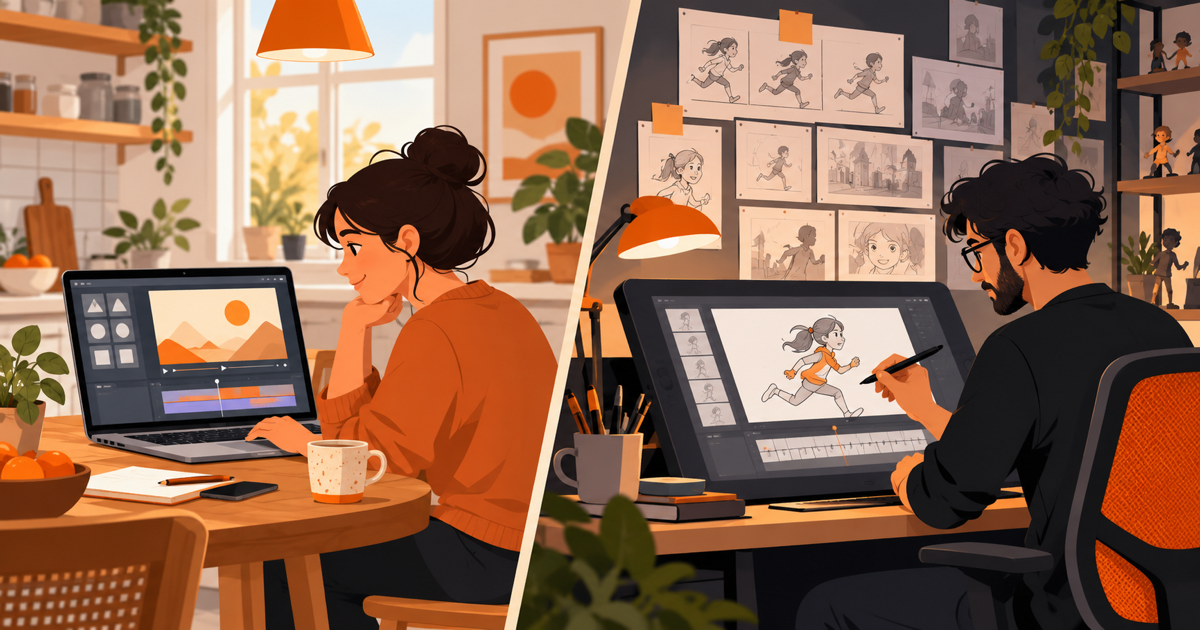
Canva is an online design tool where you build videos yourself by editing ready-made templates, stock clips and text effects. Hiring an animator means paying a person or studio to design and animate a video from a blank page, usually with a script and voiceover.
So the trade is simple. With Canva you pay with your time. With an animator you pay with money, and you get back the hours plus a look nobody else has.
Time is the part most owners forget to count. In a State of Video Marketing report quoted by Vidico in June 2026, 33% of marketers said lack of time was their top barrier to video, ahead of the 20% who said video was too expensive. That's marketers, whose job is making content. A roofer squeezing video in after a 10-hour day has even less time to spare.
An explainer video is a short animated video, usually 30 to 90 seconds, that tells a customer what problem you solve and why to pick you. It's the video most owners are thinking of when they ask this question, so it's the one we'll keep coming back to.
Need an explainer video? Get a 30-second explainer for $297 → We write the script, record the voiceover and animate it, delivered in 7 days.
What can you actually make in Canva?
Canva can make short, clean marketing videos from templates, with your colors, stock footage, moving text and an AI voice. It is good at polished slides that move. It is not built for custom characters or scenes drawn just for you. You can't make a character walk, talk or move its lips, and sound editing is basic.
Here's what each plan costs, from Canva's pricing page as checked on October 18, 2026:
| Canva plan | Price | Who can use it | What matters for video |
|---|---|---|---|
| Free | US$0 | One person | Video editor, free stock, 1 Brand Kit with 3 colors |
| Pro | US$144 a year | One person only | 141M+ premium photos, videos and audio, 5 Brand Kits, background removal for video (fair-use limits) |
| Business | US$250 a year per person | Teams (priced per person) | Everything in Pro, plus 100 Brand Kits and approvals |
A few limits are worth knowing before you start. According to Canva's upload help page, each video you upload can be up to 1 GB. Canva also supports 4K export but shrinks 4K clips you upload to 1080p (full HD), which is fine for social media and most websites.
Canva also has an AI Voice tool that turns typed text into a voiceover track inside your design. It works in several languages and accents. It's handy for a quick clip, though a computer voice reading your sales pitch can sound flat next to a real person.
These are US prices before tax. Canva shows different prices in other countries, so check the live pricing page before you buy.
When is Canva the right choice?
Canva is the right answer when a video is short, simple and will be old news in a month. For that kind of video, paying an animator makes no sense, and nobody expects a custom cartoon for a holiday-hours notice.
Good Canva jobs for a small business:
- Weekly social clips. A 10-second "tip of the week" from a cleaning company, or a before-and-after reveal from a landscaper.
- Notices. Holiday hours, a new phone number, a parking change at the clinic.
- Short offers. "$50 off AC tune-ups through May" with the price moving on screen.
- Event promos. A gym's open day, a restaurant's quiz night.
- Testing an idea. Run a rough Canva version of an ad for a week before you pay anyone to make it properly.
- Internal videos. A two-minute walk-through for new staff that only your team will see.
If most of your video needs look like this list, Canva Pro at US$144 a year is the sensible buy. You'll make dozens of these, and none of them needs to last.
Pro tip: Set up your Brand Kit (logo, colors and fonts) before you make a single video. Every template then opens in your look, so a clip you meant to make in 20 minutes doesn't eat your whole evening.
Where does a Canva video start to cost you?
A Canva video starts to cost you when it has to explain your business, win trust from strangers and keep working for years. That's where the template look, the blank script page and your own hours add up.
There are three walls most owners hit.
The script is still on you. Canva gives you the canvas, not the words. Writing a tight 30 seconds that explains what you do is the hardest part of any explainer, and no template writes it for you.
Templates look like templates. Thousands of businesses start from the same designs. That's fine for a sale post. It's a problem for the video that's meant to show why you're different from the company down the road.
Your hours aren't free. Say your time is worth $75 an hour and your first proper explainer takes you a full Saturday, about 8 hours, with fiddling and redoing. That video cost you $600 of time before you count the Canva fee. Do the same sum with your own numbers.
Quality matters more for the explainer than for a social post, too. In the same report quoted by Vidico, 87% of consumers said video quality affects how much they trust a brand. Your homepage video is often a stranger's first look at you.
A stock clip of a smiling family can't show your van, your crew or the job you're proud of.
What does hiring an animator cost in 2026?
Hiring a freelance animator usually costs about $1,000 to $5,000 per finished minute in 2026, and a studio usually charges $5,000 to $15,000 for a 60-second explainer. Prices swing widely because style, script, voiceover and revisions may or may not be included.
Here's what the published guides say:
- Freelancers. Vidico's 2026 animation cost guide puts freelance animators at $1,000 to $5,000 per minute, with hourly rates of $40 to $150. The same guide says one 60-second explainer can cost $1,500 from a freelancer or $25,000 from a full-service company.
- Budget freelancers. Blue Carrot's per-minute guide lists freelance animation from $50 to $3,000 per minute. It warns that at this level you may also need to hire someone to write the script, storyboard and voiceover.
- Studios. According to Vidico's explainer price guide, a 60-second studio explainer typically runs $5,000 to $15,000 (its summary puts the same video at $2,500 to $10,000).
- What people actually get quoted. A Yans Media study sent one brief to 152 companies and collected 110 quotes. The average for 60 seconds was $8,746, with quotes from $950 to $250,000.
Timing matters as well. Vidico says planning 4 to 6 weeks ahead avoids rush fees, and rush jobs under 2 weeks add 25 to 50% to the cost.
The cheapest freelance quote is often for animation only. Before you compare prices, ask each person the same three questions: who writes the script, whose voice is on it, and how many rounds of changes are included. Our guide to an affordable explainer company vs a freelancer walks through those questions in detail.
Four ways to get your video made, side by side
Here is the Canva video vs hiring an animator decision laid out for one 30 to 60-second explainer, with a studio and a fixed-price package added, using the published prices above. The "your time" column is a rough guide, since it depends on how quickly you write and how fussy you are.
| Canva (DIY) | Freelance animator | Animation studio | 30 Second Productions | |
|---|---|---|---|---|
| Typical cost | US$0-$144 a year for Canva Pro | About $1,000-$5,000 per minute | About $2,500-$15,000 for 60 seconds | $297 for 30 seconds, $497 for 60, custom from $1,299 |
| Your time | All of it: script, voice, edit | Brief, script (often), reviews | Calls, brief, reviews | Fill in a questionnaire, then review |
| Timeline | As fast as you work | Varies by freelancer | Plan 4-6 weeks to avoid rush fees | 7 days |
| Who writes the script | You | Often you, or extra cost | The studio | We do |
| Voiceover | You, or Canva AI Voice | Often extra | Included | Human voiceover included |
| Changes | Unlimited, by you | Depends on the deal | Set in the contract | 3 revision rounds, money-back guarantee |
| Look | Template-based | Custom | Custom, high polish | Custom animation, script written for you |
| Best for | Weekly clips, notices, tests | A clear brief and time to manage it | Big launches and bigger budgets | One explainer that runs for years |
Each route wins somewhere. Canva wins on cost for anything short-lived. A studio wins when you need a big, polished brand film and have the budget. A fixed package suits the owner who wants one solid explainer without writing it or managing a project.
Want something bigger? Book a free 30-minute video call → We plan your custom video with you and send a fixed quote within 24 hours.
What does the Canva licence let you do with your video?
The Canva licence lets you use its free and Pro stock in marketing videos, online ads and social posts. It does not let you use Canva elements in your logo or business name, and it never gives you exclusive rights to the stock inside your video.
Here are the parts that matter, in plain words, from the Canva Content License Agreement:
- Ads and marketing are allowed. You can use free and Pro content in ads, promotions and commercials.
- No Canva elements in your logo. Section 9.2 bars using any content as part of a trademark, business name or service mark. Fonts are the exception.
- It's not yours alone. Anyone else can use the same stock too. The same stock clip of a smiling family can appear in a competitor's ad the same week.
- Edit stock into your design. Section 5A limits un-edited Pro content in online videos and web pages to 480,000 pixels per file, so edit the clip into your design rather than posting it on its own. Section 3 also bars sharing Pro content as a standalone item.
- Watch the music. Pro Music is fine in online ads but not in paid traditional media like TV, radio or billboards.
- No ownership claims. You can't claim you own, or hold exclusive rights to, the content you used.
None of this is a problem for a sale post. It matters more for the video you'll build your brand around. For more on what you own when you pay someone, read our guide to explainer video ownership rights. This is a plain-English summary, not legal advice.
How would a dentist and a plumber split the work?
Most small businesses get the best value by making their frequent, short videos in Canva and paying for one explainer that does the heavy lifting. Here's how that might look for two trades.
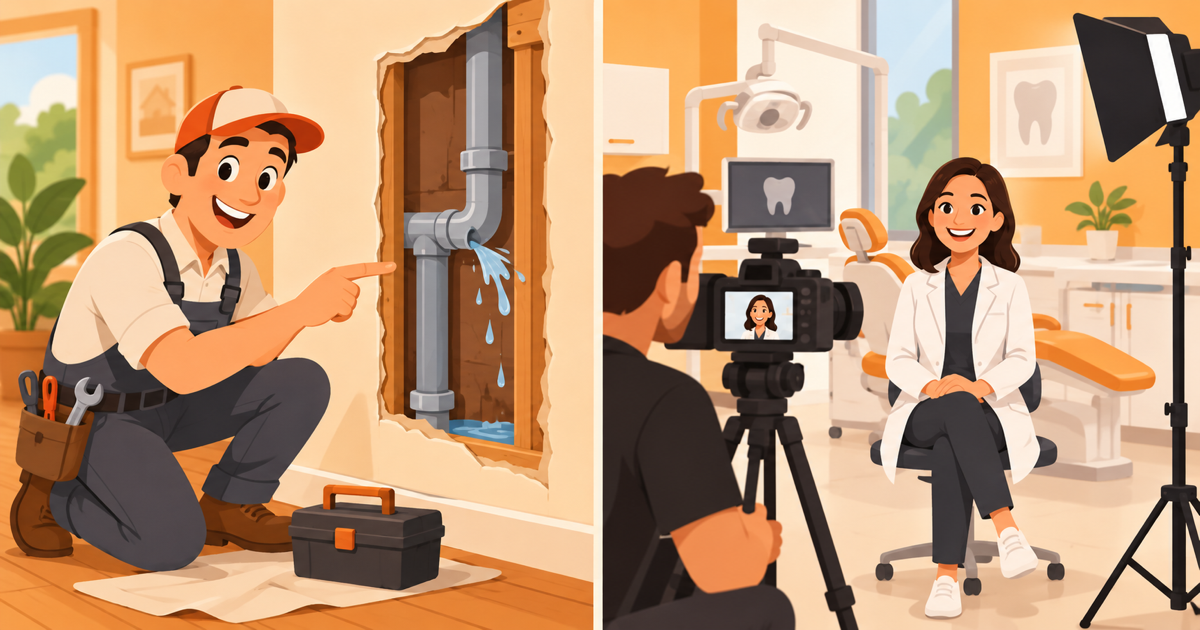
Say you run a two-chair dental practice. You'd use Canva for the weekly stuff: a 10-second reminder about Saturday openings, a flossing tip, a "welcome our new hygienist" post. You'd hire out one 60-second explainer for your homepage and new-patient emails. It walks a nervous patient through what happens at the first visit, in a calm voice and a look that matches your practice.
Say you run a plumbing company with three vans. Canva handles the seasonal offer for water heater flushes and the "we're hiring" post. The explainer you'd hire out is 30 seconds on why you quote before you start work. It plays on your Google Business Profile, your homepage and as a Facebook ad.
In both cases the explainer is the video strangers see first. The Canva clips keep your regulars engaged in between. If you want the explainer to feel more custom than a template, our guide to custom explainers vs templates shows where the extra money goes.
How do you make a decent Canva video in one afternoon?
You can make a decent Canva video in one afternoon by writing the words first, starting from a template in the right shape, and keeping it to 30 seconds. Most of the time goes on the script, not the editing.
Step 1: Write the words before you open Canva
A spoken script runs about 150 words a minute, according to Breadnbeyond, so 30 seconds is about 75 words. Use the four-part shape Biteable recommends: hook, problem, solution and call to action.
Here's a 30-second template you can fill in:
- Hook: "Is your [problem] costing you [time or money]?"
- Problem: "Most [customers] don't find out until [bad moment]."
- Solution: "At [Business Name], we [what you do] in [time frame], and we [one thing that makes you different]."
- Call to action: "Call [number] or book online at [website] today."
For a made-up lawn care company called Green Acre Lawn, it might read: "Is your lawn going brown by July? Most homeowners don't find out the soil is the problem until summer. At Green Acre Lawn, we test your soil in spring and feed it what it actually needs. Book your free soil check at our website today."
Step 2: Pick a template in the right shape
Choose vertical (9:16) for Reels, TikTok and Stories, and wide (16:9) for your website and YouTube. Pick a template with few scenes, because four to six scenes is plenty for 30 seconds.
Step 3: Load your Brand Kit
Apply your logo, colors and fonts so every scene looks like your van and your business cards. This is the step that stops it from looking like a template.
Step 4: Add the voice
Record your own voice on your phone in a quiet room, or use Canva AI Voice for a first draft. A real voice usually sounds warmer, especially for a local business people will call.
Step 5: Cut it to 30 seconds
Trim every scene that doesn't help the four parts of the script. If it runs long, cut words, not speed.
Step 6: Check it on a phone with the sound off
Most people scroll with the sound off, so watch it muted on your own phone. If the message doesn't land without sound, add captions.
Pro tip: Make the first version, post it, and see what people ask you about. That question is your next video.
Frequently asked questions
Is Canva good enough for a business video?
Canva is good enough for short social clips, notices and offers that only need to look tidy and on-brand. For the main video that explains your business, a template can look like everyone else's, and you still have to write the script and voice it yourself.
Can I use a Canva video in Facebook ads?
Yes. Canva's Content License Agreement allows free and Pro content in ads and promotions, including online video ads. You can't use Canva elements in your logo or business name, and Pro Music isn't allowed in paid TV, radio or billboard ads.
Is it cheaper to make a video in Canva or hire someone?
Canva is cheaper in cash, at US$144 a year for Pro in the US, or free for the basic plan. Your own hours change the sum: at $75 an hour, 8 hours of your time is $600, more than a $297 30-second explainer.
Does Canva have an AI voiceover?
Yes. Canva's AI Voice tool turns text you type into a voiceover track inside your design, in several languages and accents. It works well for quick clips, but many owners prefer a real human voice for the video that introduces their business.
Can I start in Canva and hire an animator later?
Yes, and it's a smart way to start. Make a rough Canva version first to test your message, then hand the script that worked to an animator. A tested script makes the professional video faster to brief and more likely to land.
The short version
Canva video vs hiring an animator isn't an either-or choice for most small businesses. Use Canva Pro for the steady stream of short, short-lived clips: offers, notices, tips and tests. It costs little, and you'll make plenty of them.
Hire out the one video that explains what you do and why to pick you. It needs a sharp script, a warm voice and a look that's yours, and it will run on your homepage and in your ads for years. Get those quotes in writing, and check who writes the script before you compare prices.
Your goal is simple: one great explainer doing the heavy lifting, with Canva keeping your feed busy in between.
Ready to get your own video made? Order a 30-second explainer for $297 and have it in 7 days, or book a free call if you want a custom video from $1,299.
Related Reading
- Illustrated vs Filmed Video: Which One Fits Your Business: Illustrated vs filmed video by business type: which fits a trade, clinic,…
- Stock Footage vs Custom Cartoon: Which Fits Your Business?: Stock footage vs custom cartoon: run a one-minute test, compare cost and…
- 2D vs 3D Explainer Video: Cost, Time and Which to Choose: Not sure if your business needs 2D or 3D animation? See real 2026 studio…
- Explainer Video Examples for 9 Small-Business Types: Struggling to explain your business simply? These explainer video examples…
- Explainer Videos from $297 →: Professional animated explainer videos delivered in 7 days.
Want a custom video made for your business?
Book a free 30-minute call. We plan your video with you and send a fixed quote within 24 hours. Custom videos from $1,299.
Book a Free Video Call →