Claymation Videos · 8 minute read
Video Ad Thumbnail: Pick Your Cover on Facebook and TikTok
Who picks your video ad thumbnail on Facebook and TikTok, how to change it in Ads Manager, and three safe covers for a clay ad, with examples.
Why listen to us? We have been making video ads since 2012. That is 16,000+ videos for 13,500+ businesses, from plumbers to dentists.
If you don't pick a cover for your Facebook video ad, Meta picks one for you. Up to three, in fact, all pulled from your own video. That's handy if your video is full of good frames. It's less handy if it's full of your thumb.
Here's the short answer. Pick your video ad thumbnail yourself, and make it one clear frame: a face, your product or your offer. If you don't choose one, Meta's help page says your ad uses frames Meta picks from your video. In Meta Ads Manager and TikTok Ads Manager you can choose a frame or upload your own image.
Notice the catch. Whether Meta picks or you pick, the cover almost always comes out of the video. So the best cover starts with a video that has a good one in it.
That's where clay helps. A claymation ad from 30 Second Ad Factory, the done-for-you ad team from 30 Second Productions, is a 30-second ad built from bright, clear clay pictures, one per line. We write it and make it with AI tools, our team checks it, and you approve every word and every scene. It's $97 one-time, often half price in our holiday sales.
Here's a sample we made for a made-up plumber.
Want your own clay plumber, or dentist, or baker? Get your claymation ad

Who picks your video ad thumbnail if you don't?
On Facebook and Instagram, Meta does. Meta's page says your ad "defaults to this dynamic option if you don't upload or choose a thumbnail image," and that option lets Meta "choose up to three thumbnail images for you and deliver the best one to each user."
A thumbnail is, in Meta's words, "the still image that people see before a video starts and after it ends." Think of it as the sign over the shop door. People see it before they decide to come in.
TikTok asks you to choose. Its How to create an ad page says: "Choose a thumbnail for your video. You can upload your own custom cover photo or choose from the pre-selected images from your video." The page doesn't say what happens if you skip it.
Here's what each platform's own page says, checked November 2026.
| Platform | Who picks by default | How to change it | What the page recommends |
|---|---|---|---|
| Facebook (Meta Ads Manager) | Meta picks up to three frames from your video | Media section, Edit video, Thumbnail, then Manual to choose a frame or Upload | Same aspect ratio as the video; your brand logo or product in the image |
| Instagram (Meta Ads Manager) | Not stated on Meta's thumbnail page | Not stated on Meta's thumbnail page | Not stated |
| TikTok (TikTok Ads Manager) | Not stated on the page | Upload a custom cover photo or choose a pre-selected image from your video | Nothing beyond that line |
Meta's page doesn't mention Reels or Instagram, so neither will we. For the shape and spacing, our guides to Facebook video ad size and the Instagram Reels safe zone already cover it.
Get a claymation ad made for your business → We write your story, make every scene out of clay and add a calm, friendly voice. You approve every word and every scene.
Every cover comes out of your video
Look at those choices again. Automatic picks frames from your video. Manual picks frames from your video. TikTok's "pre-selected images" are from your video.
Now picture the phone video most owners shoot. A blink. A blur where the camera swung round. Half a van.
Meta's robot is quick, but it can only shop in the store you built.
Upload is the way out, but Meta adds a rule: "If you use your own, make sure that the image relates to your video." And a glossy photo still has to be taken by someone, which puts you back to square one.
How much does the cover matter, though? Less than the video itself, in the one real test we found.
In 2019, AdEspresso tested four covers on the same video, on Facebook's desktop feed. A photo of the founder's face did best. But the authors said the results weren't statistically significant, and that the video itself mattered more than the cover.
So the cover is the sign. The video is the shop. Nobody walks back out because the sign was a little crooked. They walk out because the shop was a mess.
Their advice still holds, though: choose on purpose, don't leave it to a random frame. That's easy when every frame is worth choosing.
Who makes the frame worth picking?
You have four ways to get a video with a strong cover in it. The difference is who does the work.
| Who makes the cover-worthy frame | Your work | What you pick the cover from |
|---|---|---|
| You, filming it yourself | Plan, shoot, edit, then scrub for a clean frame | Real footage, blinks and all |
| An AI clay tool you drive, such as Morphic ($19 a month on Basic, November 2026) | Write prompts, make scenes, fix the odd ones, edit | Whatever scenes you managed to make |
| A marketplace gig | Brief, then a lot of back and forth | Whatever the seller sends; in our view quality is often low and uneven |
| 30 Second Ad Factory claymation ad | 2-minute form, then approve the script and scenes | Every scene, each one a bright, clear clay still you've already approved |
With a gig, you're also not dealing with a professional marketing team. You're dealing with one seller and a chat box.
Here's how ours is made. We write the script, or use your words.
We make a clay picture for each line as a storyboard, and a calm, friendly voice reads it. The clay pictures, movement and voice are made with AI tools, and our team checks every video before it reaches you. It isn't hand-made stop motion, and we won't pretend it is.
The best bit for covers: you approved every scene before we made the video. So you've already seen every possible cover, and you liked all of them.
Here's our own ad for our AI SEO service.
Every one of those frames could be your cover. Get your claymation ad
What are three safe covers for a clay ad?
Pick the character's face, the product or the offer scene. Meta recommends you "feature your brand logo or product in the thumbnail image." Two of these three picks do exactly that. The third is a face, the kind of cover that did best in the AdEspresso test.
1. The character's face. Pick the scene where the clay character looks right at you.
- Plumber: the clay homeowner, wide-eyed, holding a bucket under a dripping ceiling.
- Dentist: a clay kid grinning, one tooth missing, holding a toothbrush like a sword.
- Bakery: the clay baker with flour on her nose, holding out a tray.
2. The product. Pick the scene where the thing you sell is big and centered.
- Plumber: a shiny new water heater, with a little clay plumber giving a thumbs up.
- Dentist: a bright, clean clay smile, close up.
- Bakery: a tray of cinnamon rolls, still steaming.
3. The offer scene. Every one of our clay ads ends on your logo and your offer, so this frame is built to be a cover.
- Plumber: "Free drain check this week" next to your logo.
- Dentist: "New patients welcome, book online" next to your logo.
- Bakery: "Buy 6, get 1 free on Saturdays" next to your logo.
We wrote these examples for this post, so swap in your own offer. Not sure which? Use one now and save the others for your next ad. With a clay ad, even Meta's automatic pick is drawing from frames you approved.
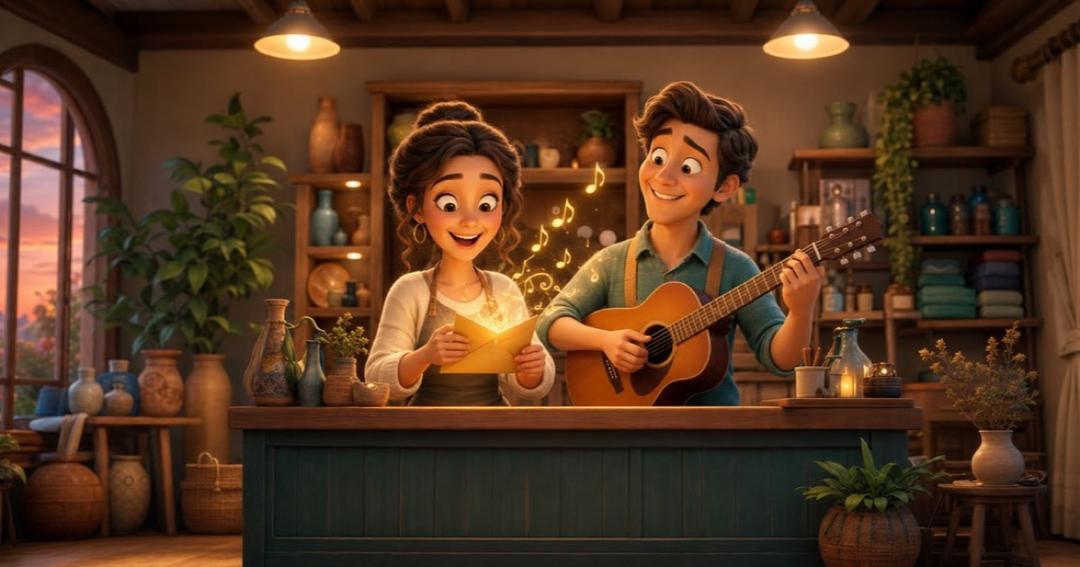
Here's our own ad for our song ad service.
Pick your three covers from your own ad. Get your claymation ad
Watch the claymation ads we have made → Tap one to watch it with sound.
How do you set the cover in Ads Manager?
Step 1: Pause on your three picks
Watch your finished ad and pause on the face, the product and the offer scene. Pick the one that says your business fastest.
Step 2: Set it in Meta Ads Manager
In Meta Ads Manager: Media section, Edit video, Thumbnail, Manual, pick your frame, Save and continue.
Step 3: Set it in TikTok Ads Manager
In TikTok Ads Manager: right after you upload the video, choose one of the pre-selected images or upload your own cover.
Step 4: Check it before you publish
Meta recommends a thumbnail "with the same aspect ratio as your original video" so it doesn't look stretched. If you uploaded your own, Meta's page says to "make sure that the image relates to your video."
Frequently asked questions
What should my video ad thumbnail be?
Pick one clear frame from your video: a face, your product or your offer. Meta's page recommends featuring your brand logo or product in the thumbnail image and keeping the same aspect ratio as your video. If you upload your own image, Meta says to make sure it relates to your video.
Can I change the thumbnail on an ad that's already running?
Meta's thumbnail page doesn't cover live ads. Graphed, a reporting-tool blog, suggests duplicating the ad, changing the cover on the copy and turning the old one off. That's Graphed's advice, not Meta's.
Is it better to let Meta pick the thumbnail?
Meta's page says the automatic option shows its picks to "the people we think are most likely to respond." AdEspresso's authors advise choosing on purpose. In our view, if one frame clearly shows your product or offer, pick it yourself.
Is your claymation ad real stop motion?
No. Our claymation ads are made with AI tools for the clay pictures, movement and voice. Our team checks every video, and you approve every word and every scene first.
Do you run the ads for me?
No. We make the ad in your own Ad Factory dashboard, and you own it. You, or whoever runs your ads, puts it live and picks the cover.
The cover is easy. The frames are the hard part.
Picking a video ad thumbnail takes a minute. What's hard is having a video where those frames exist. You could film, scrub and squint at blurry stills on a Sunday night.
Or you could fill in a 2-minute form, approve the script and scenes, and have a finished clay ad about 24 hours later, with every frame one you've already said yes to. For a busy owner, that's the best option.
No cover can promise calls or sales, and no ad can either, ours included. But you'll never have to use a picture of your elbow again.
Want a clay ad people stop to watch? Get your claymation ad, written and made for you, ready about a day after you approve your scenes. Love it or your money back.
Related Reading
- How Many Video Ads Should I Run at Once? Facebook vs TikTok: How many video ads should I run at once? Run 3 to 5 really different ads per…
- Facebook Ad Character Limit (and TikTok's): What to Write: The Facebook ad character limit, from Meta: 27 for a Feed headline, 50-150…
- How Often Should I Change My Ads? What Meta and TikTok Say: How often should I change my ads? Not on a set date. See the Meta and TikTok…
- Same Video Ad on Facebook, Instagram and TikTok: One File: Run the same video ad on Facebook and TikTok? Yes: one 9:16 file covers…
- Claymation Ads →: A 30-second clay video ad about your business, made for you. You approve every scene.

Get a clay ad people stop and actually watch
We write your story and make every scene out of clay. You approve every scene.
Make My Clay Ad — $97 →