Can You Do AI SEO Yourself? (We'll Be Honest With You)
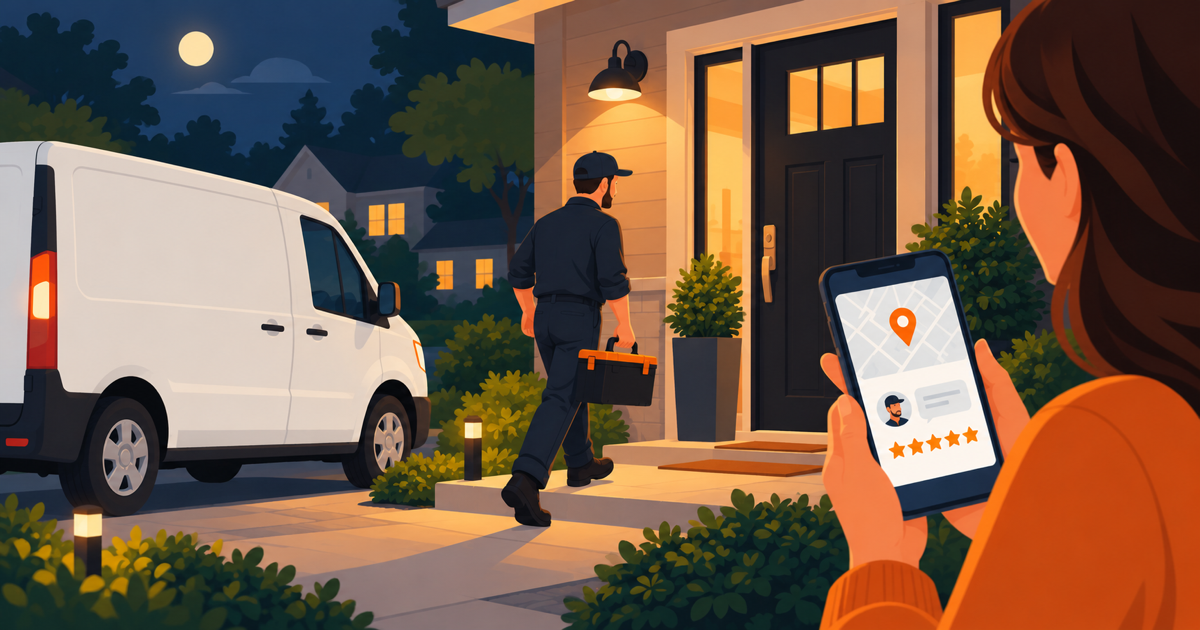
You want ChatGPT, Claude, and Google AI to mention your business.
So you are asking the honest question.
Can you do AI SEO yourself?
Yes, you can do DIY AI SEO yourself, if you have 15 to 20 hours and some patience for code.
The audit, the robots.txt fix, and the trust signals are easy.
The schema markup step is genuinely hard for a non-coder.
Below I walk through all six steps, plain and honest, no sugar coating.
Step 1: Audit Your Current AI Visibility (Time: 2-3 Hours, Difficulty: Easy)
First, find out where you stand.
Open ChatGPT and ask it: "Who are the best plumbers in [your city]?"
Swap "plumbers" for your own trade.
Ask Claude the same question.
Then search Google and look for the AI overview box at the top.
Write down what comes back.
Are you in there?
Or is it all your competitors?
This step takes no skill at all.
It just takes time to try enough different questions.
Step 2: Learn and Write JSON-LD Schema Markup (Time: 6-8 Hours, Difficulty: Hard)
Here is where it gets technical.
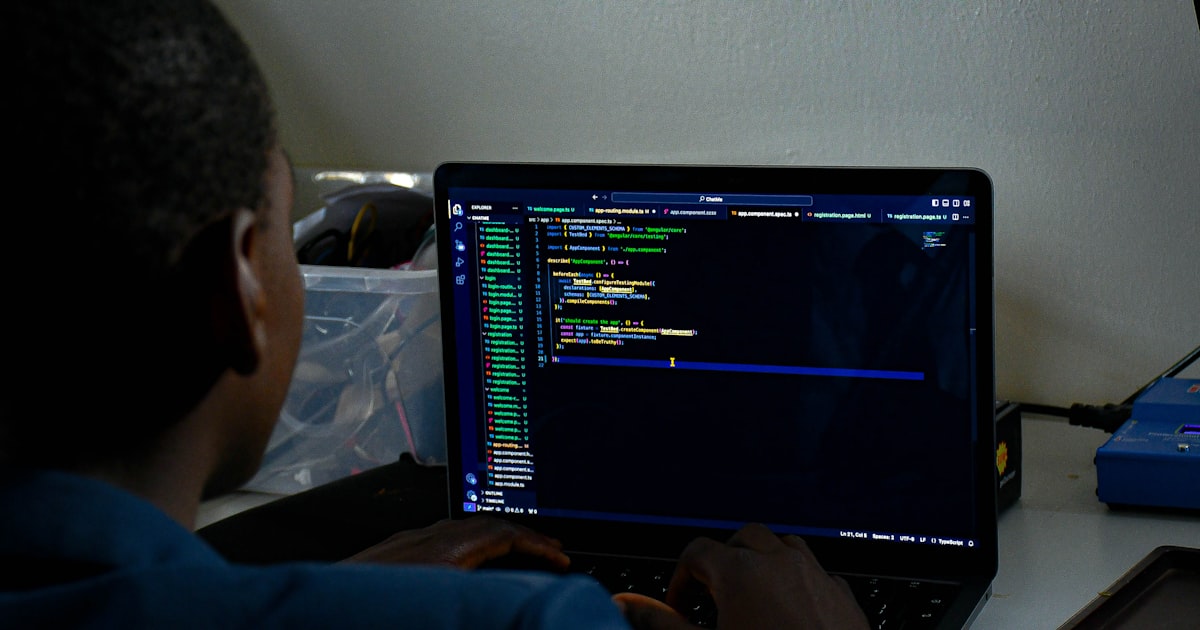
Schema markup is code that explains your business to AI.
Think of it as a cheat sheet.
It spells out your hours, your location, your services, and your reviews in a language a machine can read.
The format is called JSON-LD.
Schema.org, the group behind the standard, defines a "LocalBusiness" type with fields for your name, address, phone number, and opening hours.
A simple example looks like this:
{
  "@context": "https://schema.org",
  "@type": "LocalBusiness",
  "name": "Mike's Plumbing"
}
That is the easy version.
Real schema markup for a local business runs 50 to 100 lines.
You will spend hours learning the format.
Then more hours writing your own version.
Then time fixing it when it breaks.
If you have never touched code, this one step could eat 10 or more hours on its own.
Step 3: Restructure Your Content for AI Readability (Time: 4-5 Hours, Difficulty: Medium)
AI reads differently than a person does.
Your website probably was not written for it.
You need short headings and plain language.
AI loves lists and direct answers.
Instead of "Our comprehensive HVAC solutions encompass a wide range of services," write "We fix and install air conditioners, heaters, and ductwork."
Add an FAQ section to every service page.
AI systems pull answers from FAQs constantly.
None of this is technically hard.
But it is slow, because you are rewriting your whole website.
Step 4: Configure Your Robots.txt File (Time: 30 Minutes, Difficulty: Easy)
This one is simple.
Your robots.txt file tells crawlers which pages they may read.
Google's own guide puts it plainly: "A robots.txt file tells search engine crawlers which URLs the crawler can access on your site."
The AI companies use their own crawlers too.
OpenAI explains that it runs bots like GPTBot to read the web, and that a site can block them with the same robots.txt file.
Many sites accidentally block these crawlers by mistake.
Go to yourwebsite.com/robots.txt and look.
If you see "Disallow: /" anywhere, that could be shutting AI out.
Fixing it takes about 30 minutes once you know what to look for.
Step 5: Add Trust Signals Throughout Your Site (Time: 2-3 Hours, Difficulty: Easy)
AI cares about trust, same as people do.
It tends to recommend businesses that look established.
Add your license numbers.
Add certifications and awards.
Show real reviews, with names and dates.
Write an About page that names your team.
Put your address and phone number in every page footer.
None of this is hard.
It is just tedious, because you are gathering details and updating many pages.
Step 6: Test and Verify Everything Works (Time: 1-2 Hours, Difficulty: Medium)
Last, test your work.
Run Google's Rich Results Test on your schema markup.
Submit your updated pages to Google Search Console.
Wait a few days.
Then ask ChatGPT, Claude, and Google AI your Step 1 questions again.
See if anything changed.
Testing itself is simple.
Reading the results and fixing what is still broken takes a bit more skill.
Say You Try This Yourself
Picture a dentist named Sarah, running a practice in Austin.
She decides to do all six steps on her own.
Step 1 takes her three hours, and ChatGPT is not recommending her at all.
Step 2 nearly beats her.
She spends 12 hours on the schema markup, restarting twice after mistakes.
Steps 3 to 5 take another 8 hours, tedious but doable.
Step 6 takes 2 hours, and this time ChatGPT starts mentioning her for "dentists in Austin."
Call it 25 hours, spread over three weeks.
She would tell you the same thing most owners tell us afterward.
It worked. She just did not expect quite so much code.
| Step | Difficulty | Time |
|---|---|---|
| Audit AI visibility | Easy | 2-3 hrs |
| Schema markup (JSON-LD) | Hard | 6-8 hrs |
| Restructure content | Medium | 4-5 hrs |
| Fix robots.txt | Easy | 30 min |
| Add trust signals | Easy | 2-3 hrs |
| Test and verify | Medium | 1-2 hrs |
All in, that is 15 to 20 hours of work.
Or $349 to have someone else do it in 48 hours.
Remember why it matters.
58% of customers now ask AI for business recommendations.
Only 13% of small businesses are set up for AI search yet.
When DIY Makes Sense (And When It Doesn't)
DIY AI SEO makes sense if you built your own website already.
Or you enjoy learning new tools.
Or you do not mind coding on a weekend.
It does not make sense if you are slammed with work.
Or you would rather spend your time with customers than with code.
Both paths work.
It comes down to knowing yourself.
Related: Agency vs done-for-you comparison
Related: What professionals actually do
Frequently asked questions
How long does DIY AI SEO take?
Plan on 15-20 hours total.
Schema markup is the longest part, at 6-8 hours.
If you have never written code, that step alone could take 10 or more hours.
The audit, the robots.txt fix, and the trust signals go faster.
What is the hardest part of doing AI SEO yourself?
Schema markup.
It is code, written in a format called JSON-LD.
Real markup for a local business runs 50 to 100 lines.
Expect a few mistakes and some time spent fixing them.
Most owners find this the hardest step by far.
How do I check if my robots.txt file blocks AI?
Go to yourwebsite.com/robots.txt in a browser.
Look for the line "Disallow: /" anywhere in the file.
That line can block AI crawlers from your pages.
Fixing it takes about 30 minutes once you know what you are looking at.
How do I test if my schema markup works?
Run Google's Rich Results Test on your pages.
Then submit them to Google Search Console.
Wait a few days.
Ask ChatGPT, Claude, and Google AI your test questions again.
See if your business shows up this time.
Is it worth hiring someone instead of doing AI SEO myself?
It depends on your time and your patience for code.
DIY makes sense if you have 15-20 hours and enjoy this kind of project.
If you are busy running the business, paying someone saves you the stress.
Compare both routes in agency vs done-for-you.
What trust signals should I add to my website?
Add your license numbers, certifications, and awards.
Show real customer reviews with names and dates.
Put your address and phone number in every page footer.
Write an About page that introduces your team.
The Bottom Line on DIY AI SEO
AI SEO is not rocket science.
But it is not simple either.
The audit and the trust signals are easy.
Anyone can handle those two.
The schema markup is hard, and it will ask you to learn some code.
Content restructuring sits in the middle, not technical, just slow.
If you have 15-20 hours and some patience for code, you can do this yourself.
Plenty of owners have.
If you would rather have someone handle all six steps in 48 hours for $349, that is what we do at 30 Second Productions.
We have helped over 13,500 businesses get recommended by ChatGPT, Claude, and Google AI, backed by a 30-day money-back guarantee.
Either way, do not let your competitors get there first.